
Hardware
Lumen Neo
Our compact Lumen player. Plug it into the HDMI port of any TV or commercial display and it becomes a managed Lumen screen, set up and updated remotely.

Why Lumen Neo
Any screen becomes
a Lumen screen.
Plugs in over HDMI
Works with any TV or commercial display that has an HDMI input. No new screens.
Wi-Fi or Ethernet
Join the venue Wi-Fi, or use wired Ethernet for the steadiest playback.
Set up and updated remotely
Lumen software comes pre-installed. We configure and update every player from the cloud.
Connections
Everything it needs,
nothing it doesn't.
- USB-C powerPower in from the supplied adapter.
- Micro-HDMI out × 2Connects to the TV with a micro-HDMI to HDMI cable.
- Audio out3.5 mm jack for external speakers.

- EthernetWired network for the steadiest playback; Wi-Fi is built in too.
- USB 3.0 × 2High-speed ports, marked in blue.
- USB 2.0 × 2For a keyboard, mouse or other accessories.
Inside
Small enough to hide.
Built to run all day.
Open it up, plug it into the TV, and the screen is playing your Lumen content.

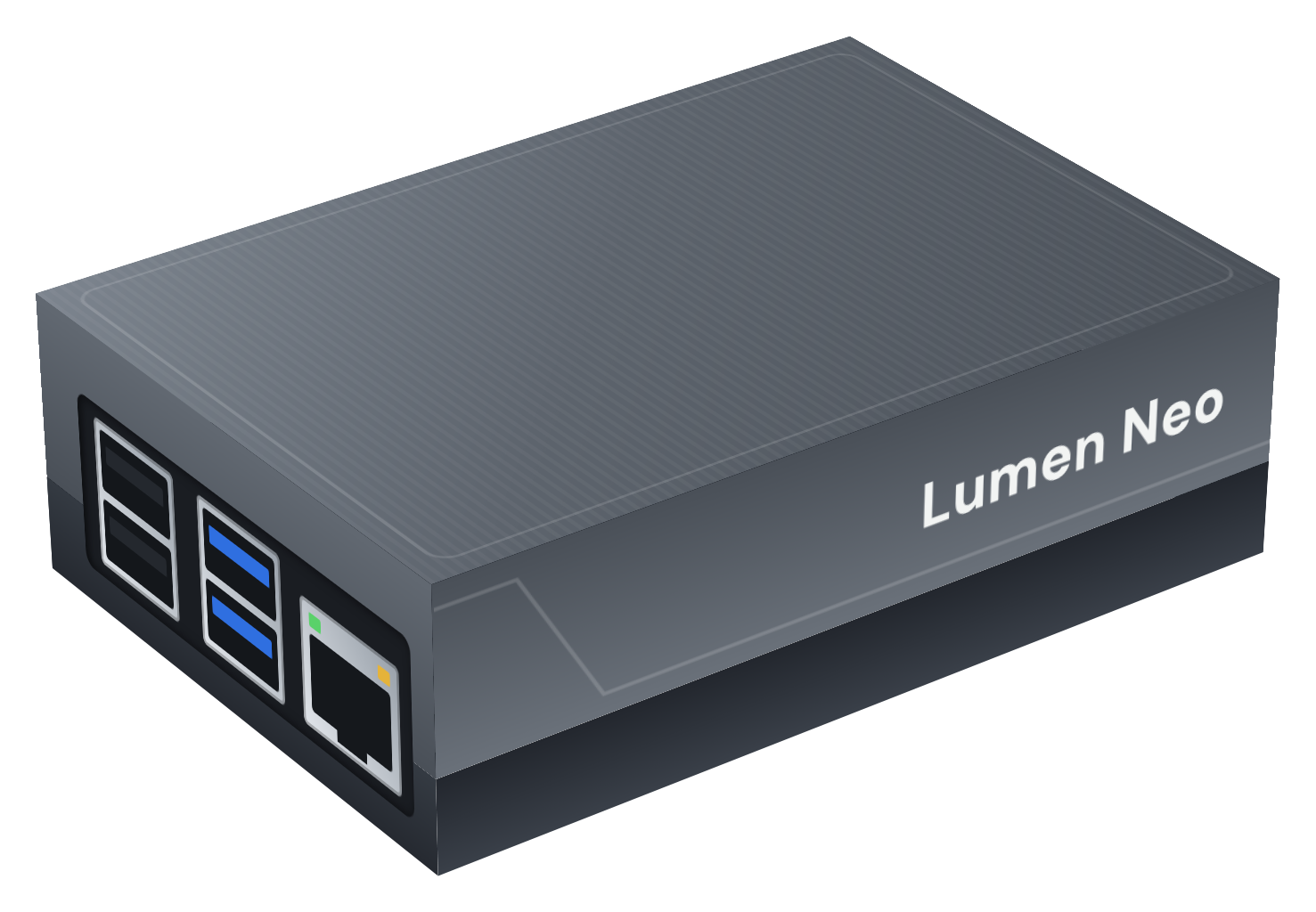
- Aluminium shellCompact and solid, built to sit behind a screen and run all day.
- Lumen player boardRuns Lumen software, pre-installed and updated remotely.
- USB and EthernetFour USB ports and wired Ethernet, with Wi-Fi built in.
- Low-profile baseSmall enough to tuck out of sight behind the TV.
Set-up
Plug in. Connect.
Go live.
Plug in
Connect Lumen Neo to the screen over HDMI and plug in the power adapter.
Connect
Join Wi-Fi or plug in Ethernet. The player checks in with your Lumen account.
Go live
Assign a playlist from the dashboard. Updates arrive remotely from then on.
Runs the whole platform
Every Lumen feature,
on every screen.
Dashboard
Command centre for your property.
Screens
Manage every display remotely.
Content
Media library and scheduling.
Playlists
Build and assign content flows.
Analytics
Revenue and performance data.
Intelligence
AI-powered health monitoring.
Advertising
Ad injection and campaign management.
Partner Portal
Manage multiple properties.
Ready to go live?
Book a demo and we'll have your screens up and running within 24 hours. No new screens, no disruption.
Or email us at contact@riserlumen.com